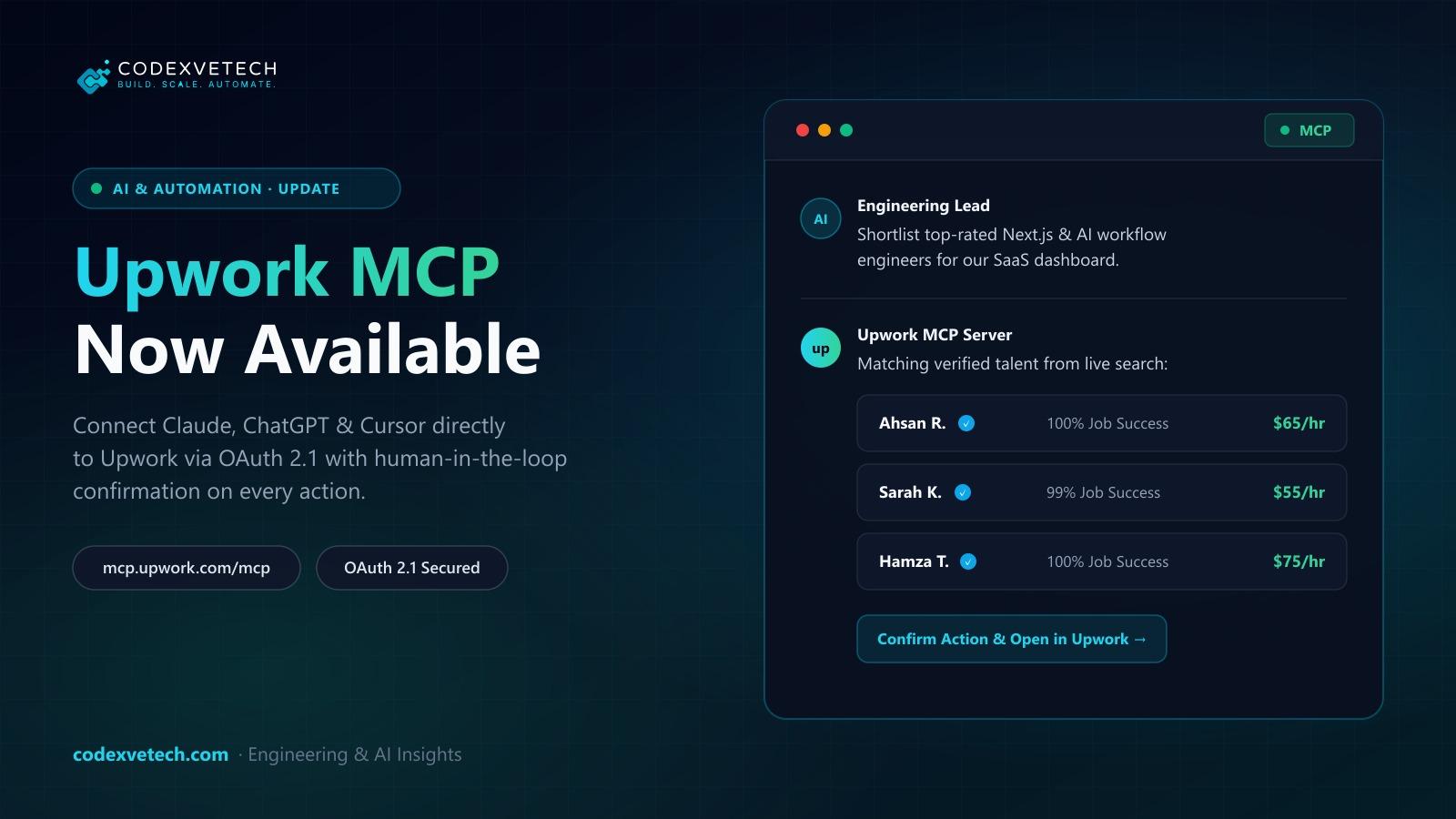
Upwork has rolled out its official Model Context Protocol (MCP) server, giving freelancers, agencies, and hiring teams a standardized way to connect AI assistants—including Claude, ChatGPT, and Cursor—directly to their live Upwork accounts.
Instead of copying job descriptions, client messages, and freelancer profiles back and forth across browser tabs, teams can now query and manage Upwork context directly inside their AI workspace.
Unlike community-built scrapers or brittle local scripts, Upwork's official implementation is hosted remotely by Upwork at:
https://mcp.upwork.com/mcp
- Zero Local Setup: No local binaries, Python environments, or API key files to maintain.
- OAuth 2.1 Browser Login: Authentication uses standard OAuth 2.1 through your Upwork login—you never paste account passwords or raw tokens into a chat prompt.
- Human-in-the-Loop Confirmation: Any action that mutates data or incurs costs (submitting a proposal, publishing a job post, or sending a contract offer) requires explicit manual confirmation before execution.
- Core Transactions Stay Native: Escrow funding, milestone payments, contracts, and dispute resolution continue to run exclusively on Upwork's native infrastructure.
For independent engineers and software agencies managing active pipelines, the MCP server streamlines daily triage:
- Live Job Feed Discovery: Search and filter open contracts matching your technical stack, budget range, and availability.
- Context-Aware Proposal Drafting: Draft tailored proposals grounded in your actual Upwork profile history and the client's project brief.
- Client Message & Invite Summaries: Summarize unread client threads, interview invites, and scope clarifications without leaving your IDE or chat window.
- Contract & Connects Visibility: Check Connects balances and review active contract milestones on demand.
For founders and engineering managers hiring on Upwork, the MCP bridge acts as a recruiting copilot:
- Brief-to-Job-Post Generation: Turn rough technical notes into structured job posts ready for review and publishing.
- Talent Shortlisting: Search, filter, and compare freelancer work histories, rates, and skillsets directly in chat.
- Proposal & Offer Triage: Summarize incoming proposals and prepare contract offers for final sign-off.
| Step | Action | Details |
|---|
| 1. Open Your AI Client | Launch an MCP-compatible assistant | Supported clients include Claude, ChatGPT, and Cursor. | |
| 2. Add the Remote MCP URL | Register Upwork's official endpoint | Point the client's remote MCP configuration to https://mcp.upwork.com/mcp. | |
| 3. Authorize via OAuth 2.1 | Complete browser sign-in | Approve the requested permissions in your Upwork browser session. | |
MCP is rapidly becoming the universal USB-C port for enterprise AI integrations. At CodexveTech, we design custom MCP servers and agentic workflow bridges for SaaS platforms, CRMs, and internal operations tools—giving teams the same OAuth-secured, human-in-the-loop AI leverage across their proprietary software stack.